Getting Started with Octomind
Most AI tools ask you to configure half a dozen things before you can do real work. Octomind skips all that. One binary, one environment variable, and you're running a full AI agent with file editing, shell access, and code search — in under a minute.
Here's how.
Install
Octomind ships as a single Rust binary with zero runtime dependencies. Pick your platform:
# One-line install (macOS / Linux)
curl -fsSL https://raw.githubusercontent.com/muvon/octomind/master/install.sh | bash

# Or build from source (requires Rust 1.82+)
cargo install octomind
The installer drops the binary into $HOME/.local/bin/octomind. That's it — no Node, no Python, no Docker.
Connect an AI Provider
Octomind talks to 7 providers through a unified provider:model format. The fastest way to start is with OpenRouter, which gives you access to models from Anthropic, OpenAI, Google, and others through a single API key:
export OPENROUTER_API_KEY="your-key-here"
Or connect to a provider directly:
export ANTHROPIC_API_KEY="your-key-here"   # Anthropic
export OPENAI_API_KEY="your-key-here"      # OpenAI
export DEEPSEEK_API_KEY="your-key-here"    # DeepSeek
No config file needed — Octomind picks up environment variables automatically.
Run Your First Session
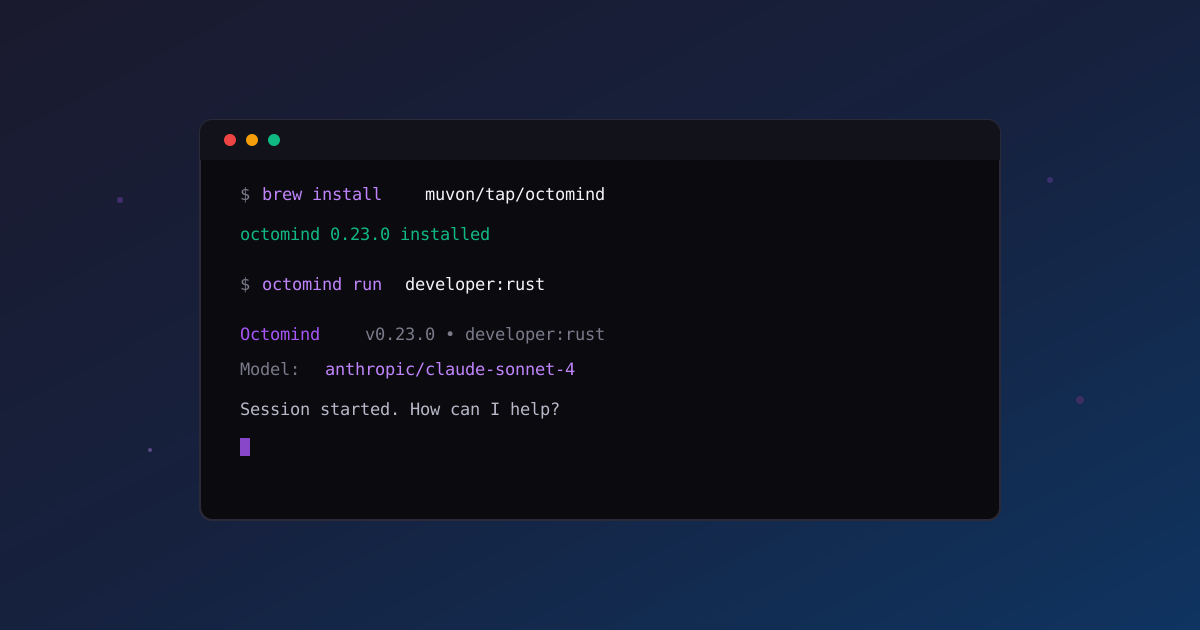
octomind run
That's it. You're in an interactive session with an AI agent that has full access to your file system, shell, and built-in code search. Ask it to explain your project, refactor a module, write tests — it reads your files, runs commands, and edits code directly.
Want a specialized agent? Use a tap:
octomind run developer:rust      # Rust-specific agent
octomind run developer:react     # React frontend agent
octomind run security:owasp      # Security auditor
octomind run lawyer:us           # US legal assistant
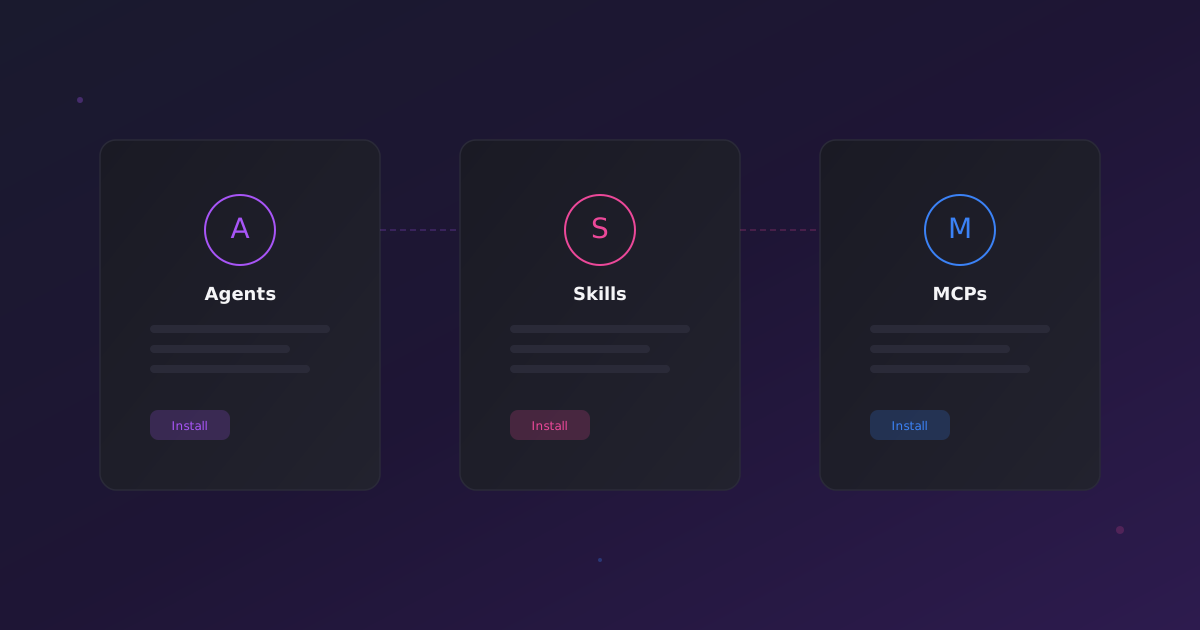
Each tap is a pre-built agent configuration — optimized system prompts, scoped tool permissions, and the right model selection for the domain. One command, zero setup.
Session Management
Sessions are first-class citizens. Name them, save them, pick up where you left off:
# Start a named session
octomind run --name feature-auth

# Resume it later
octomind run --resume feature-auth

# Or just resume the most recent one
octomind run --resume-recent
When conversations grow long, Octomind's adaptive compression kicks in automatically. It analyzes cost-benefit before compressing — only reducing context when it actually saves money. The result: you can work for hours without hitting context limits, and the agent keeps its critical decisions intact.
Switch Models On the Fly
Inside any session, switch models without restarting:
/model anthropic:claude-sonnet-4
/model openai:gpt-4o
/model deepseek:deepseek-chat
Check your token usage and cost anytime with /info, attach screenshots with /image path/to/file.png, or save the session with /save. There are 24 session commands in total — type /help to see them all.
Non-Interactive Mode
Need a quick answer without an interactive session? Pass your message directly:
octomind run developer "Explain the auth module in this project"
Pipe input for automation and CI pipelines:
echo "review this PR" | octomind run --format jsonl
What's Next
You're up and running. Here's where to go from here:
- Browse the Tap Registry — explore 38+ agents across development, legal, security, DevOps, and more
- Configuration Guide — customize models, roles, and tool permissions
- Session Deep Dive — master compression, spending limits, and daemon mode
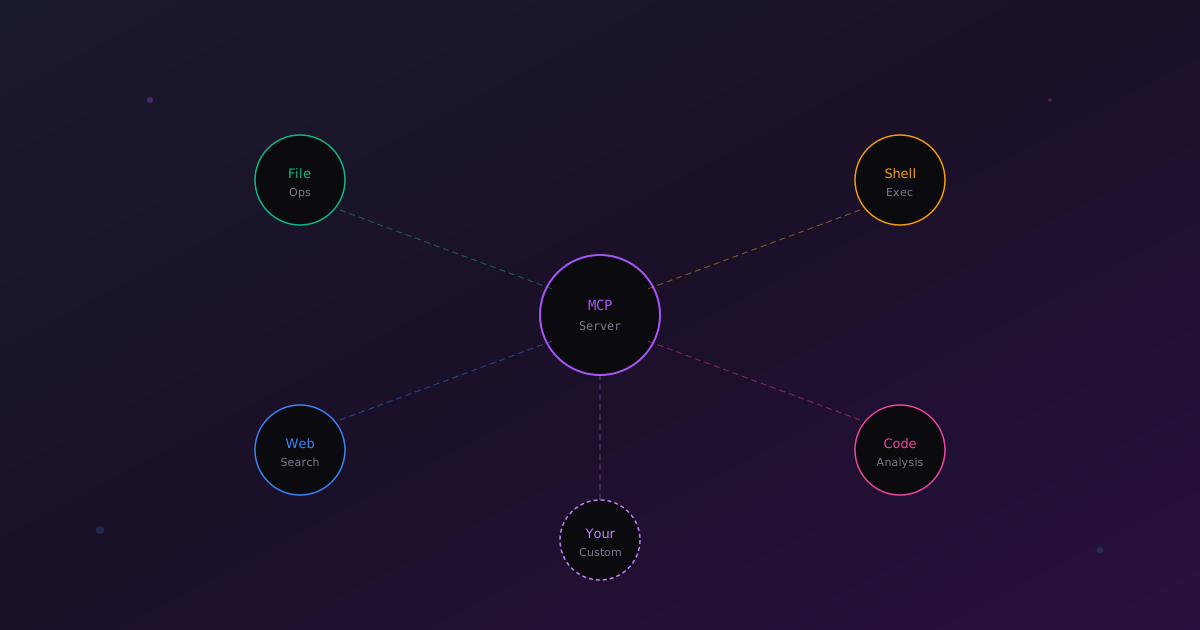
- MCP Tools Reference — explore built-in tools and build custom integrations
All source code is on GitHub under Apache 2.0. Questions? Open a discussion.